


Новое поступление

7 1 дюймовый смартфон с верхней камерой мини-видеокамера микро-камера наблюдения
14 104,47 руб.

Мини-камера видеонаблюдения Centechia A9 беспроводная камера ночного видения

Водонепроницаемая мини-камера SQ12 HD спортивная экшн-камера ночного видения

Микро-камера с функцией ночной съемки Wi-Fi 1080P | Электроника
2 108,68 - 3 865,91 руб.

Часы механизм движения с серебряными часовой минутной второй ручные "сделай

Настольный домашний будильник 1080P Full HD мини-камера с ночным видением и
2 934,16 - 4 198,81 руб.

Insta360 Go 1080P Video Sports Action Camera Hands-free FlowState APP Control for Outdoor Vlogging | Электроника
Характеристики
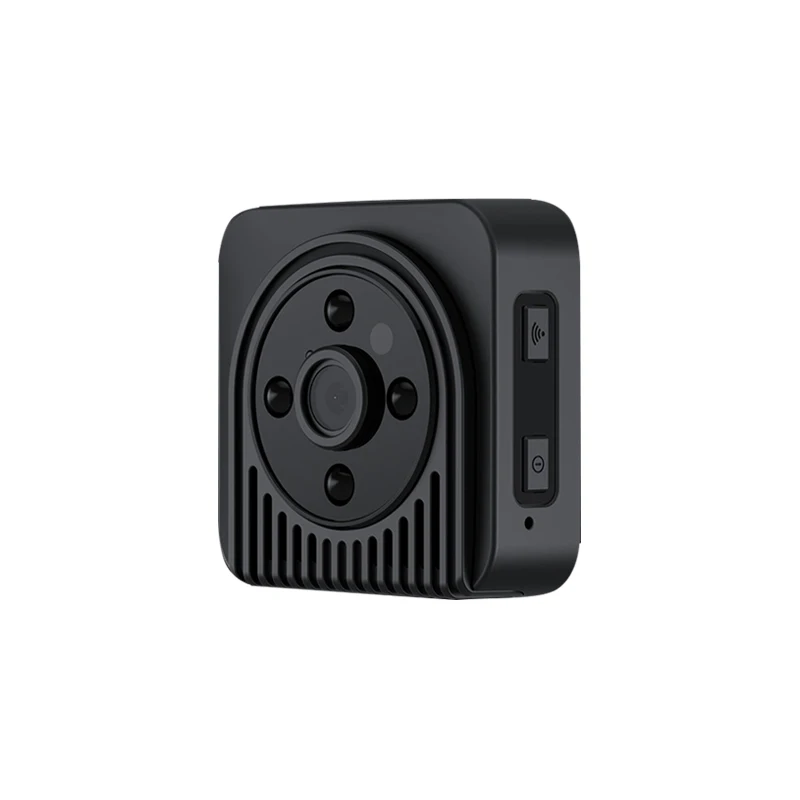
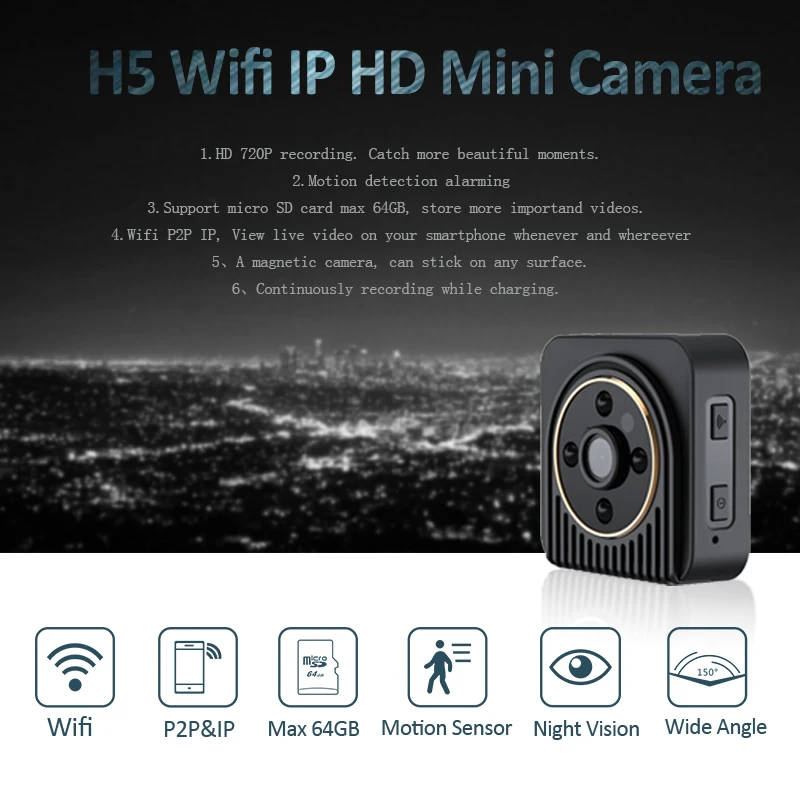
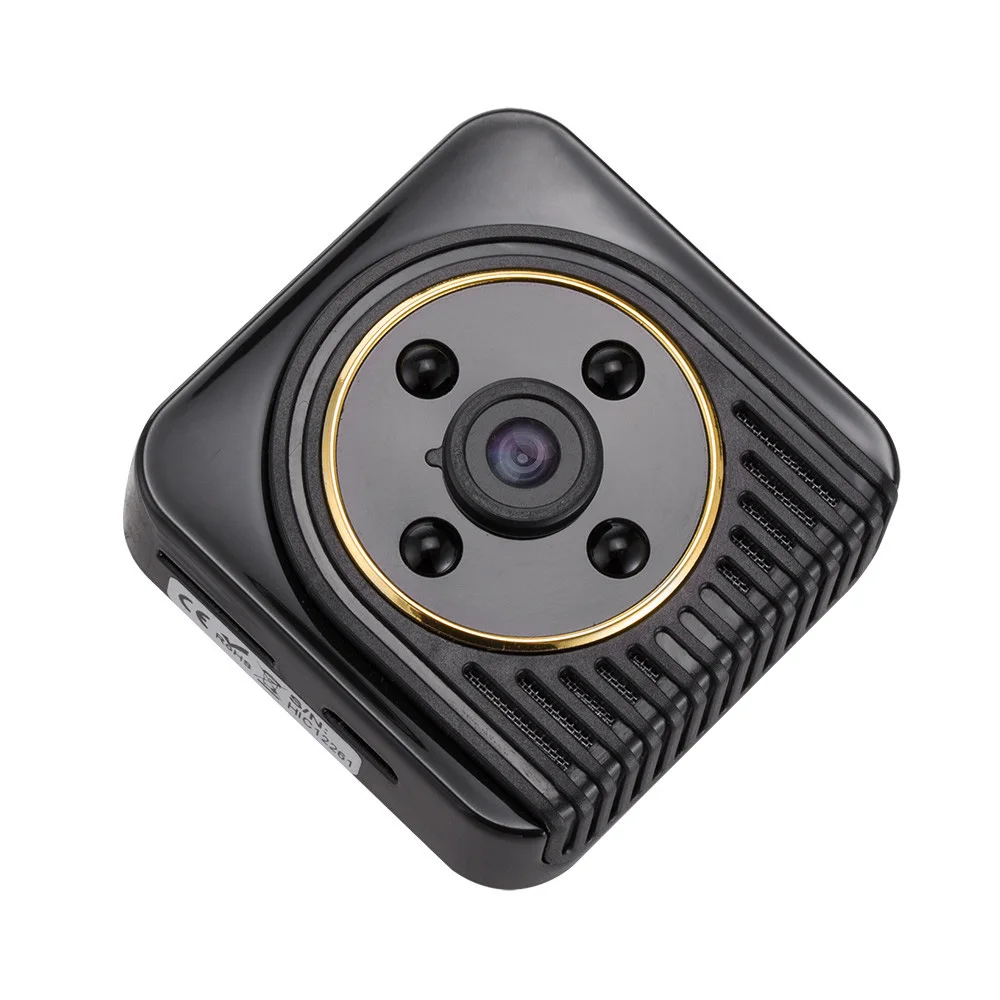
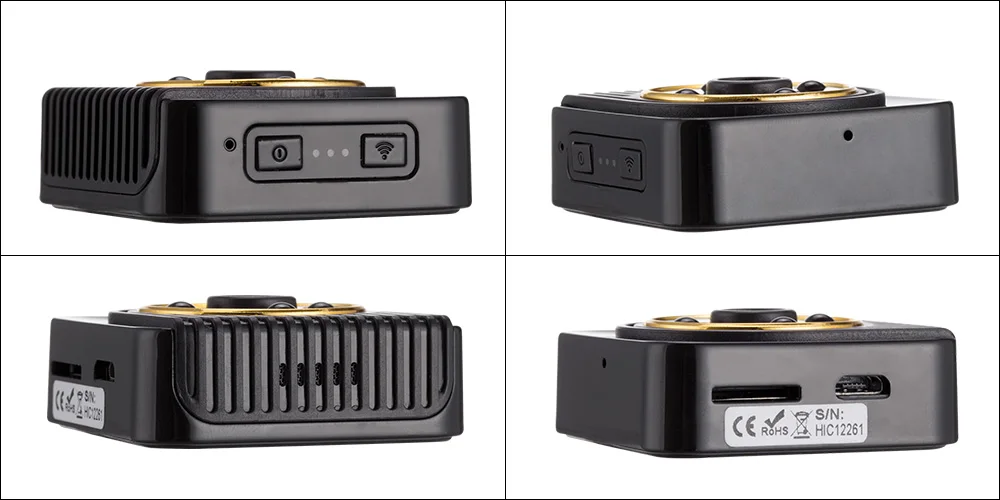
H5 Mini Camera Web Camcorder Wifi IP HD 720P Wide Angle DV Video Recorder Night Vision with Motion Sensor | Электроника
История изменения цены
*Текущая стоимость уже могла изменится. Что бы узнать актуальную цену и проверить наличие товара, нажмите "Добавить в корзину"
| Месяц | Минимальная цена | Макс. стоимость | Цена |
|---|---|---|---|
| Jun-22-2026 | 0.59 руб. | 0.81 руб. | 0 руб. |
| May-22-2026 | 0.73 руб. | 0.5 руб. | 0 руб. |
| Apr-22-2026 | 0.19 руб. | 0.13 руб. | 0 руб. |
| Mar-22-2026 | 0.36 руб. | 0.68 руб. | 0 руб. |
| Feb-22-2026 | 0.15 руб. | 0.91 руб. | 0 руб. |
| Jan-22-2026 | 0.30 руб. | 0.51 руб. | 0 руб. |
| Dec-22-2025 | 0.8 руб. | 0.42 руб. | 0 руб. |
| Nov-22-2025 | 0.76 руб. | 0.90 руб. | 0 руб. |
| Oct-22-2025 | 0.83 руб. | 0.23 руб. | 0 руб. |
Описание товара
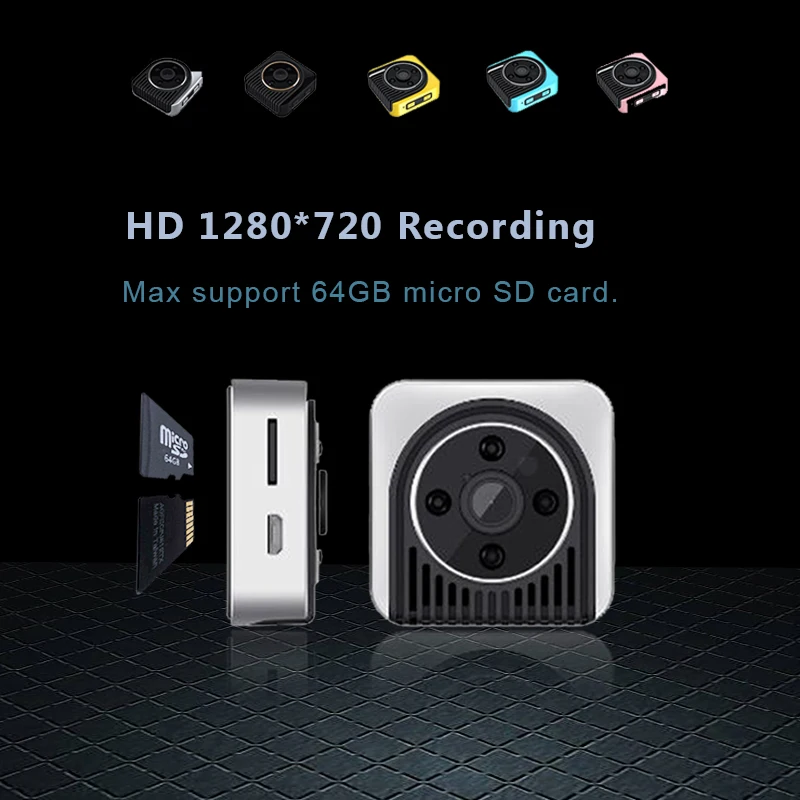
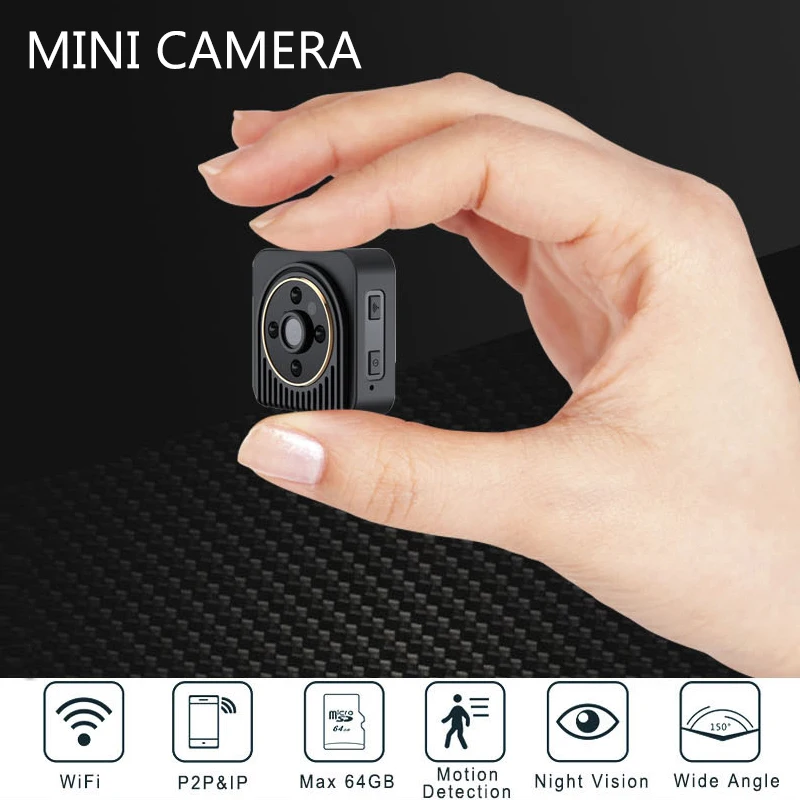
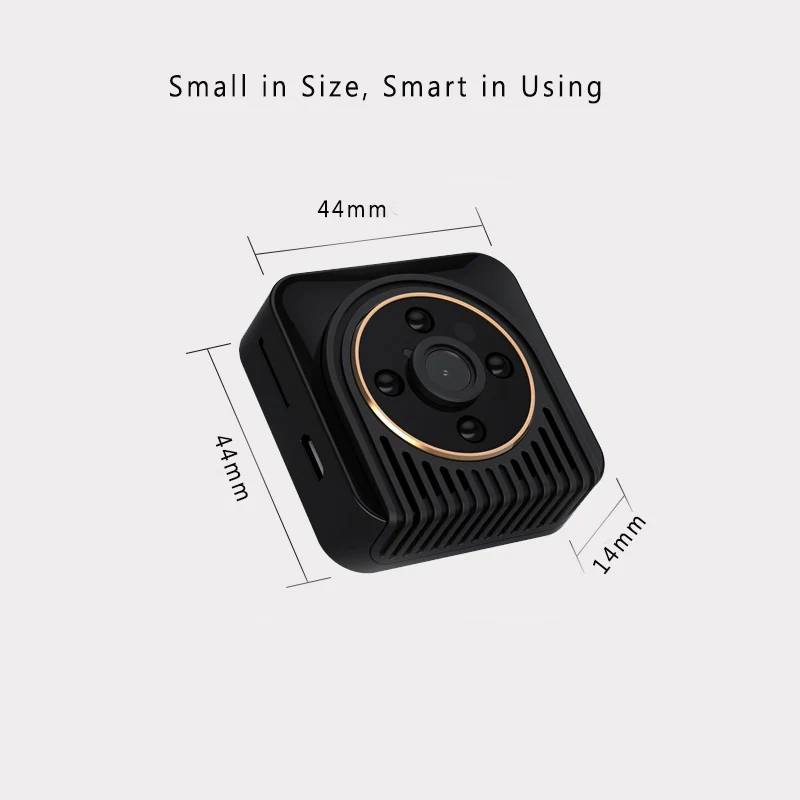
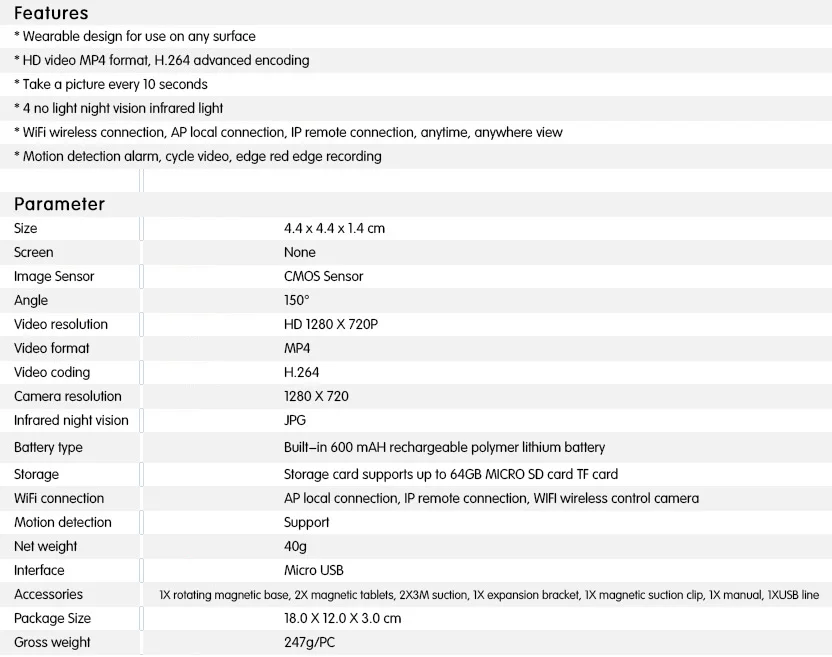
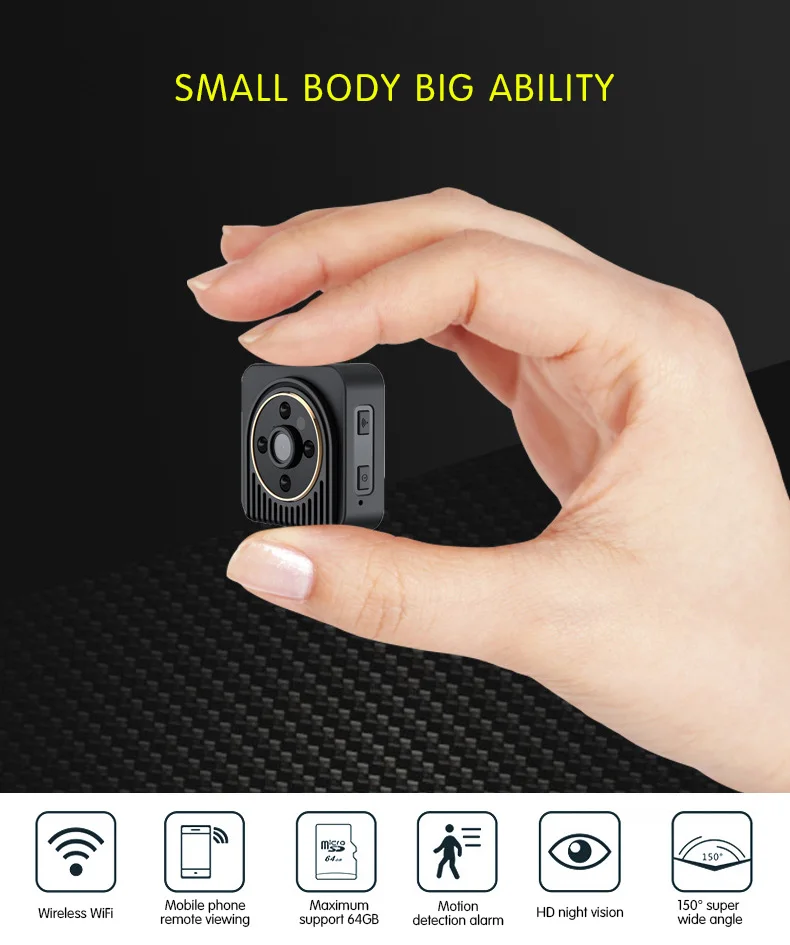
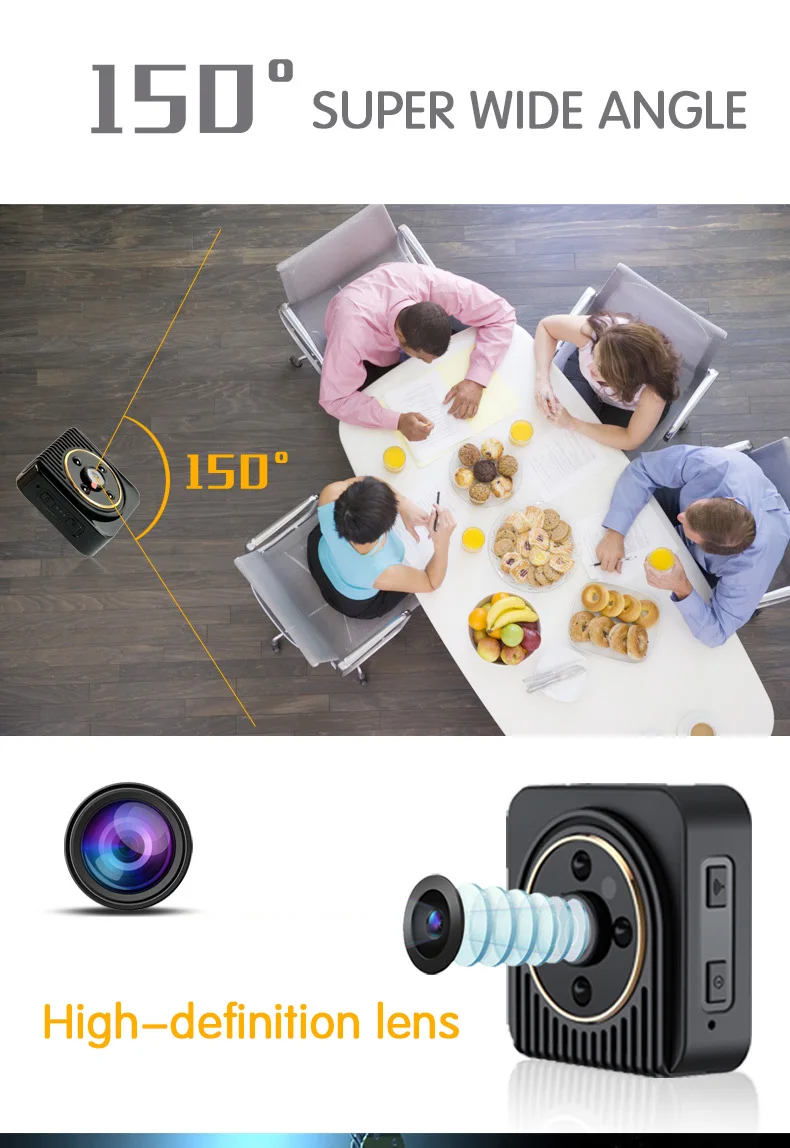
H5 Mini Camera Web Camcorder Wifi IP HD 720P Wide Angle Mini DV Video Recorder Night Vision Camera with Motion Sensor
At Begining
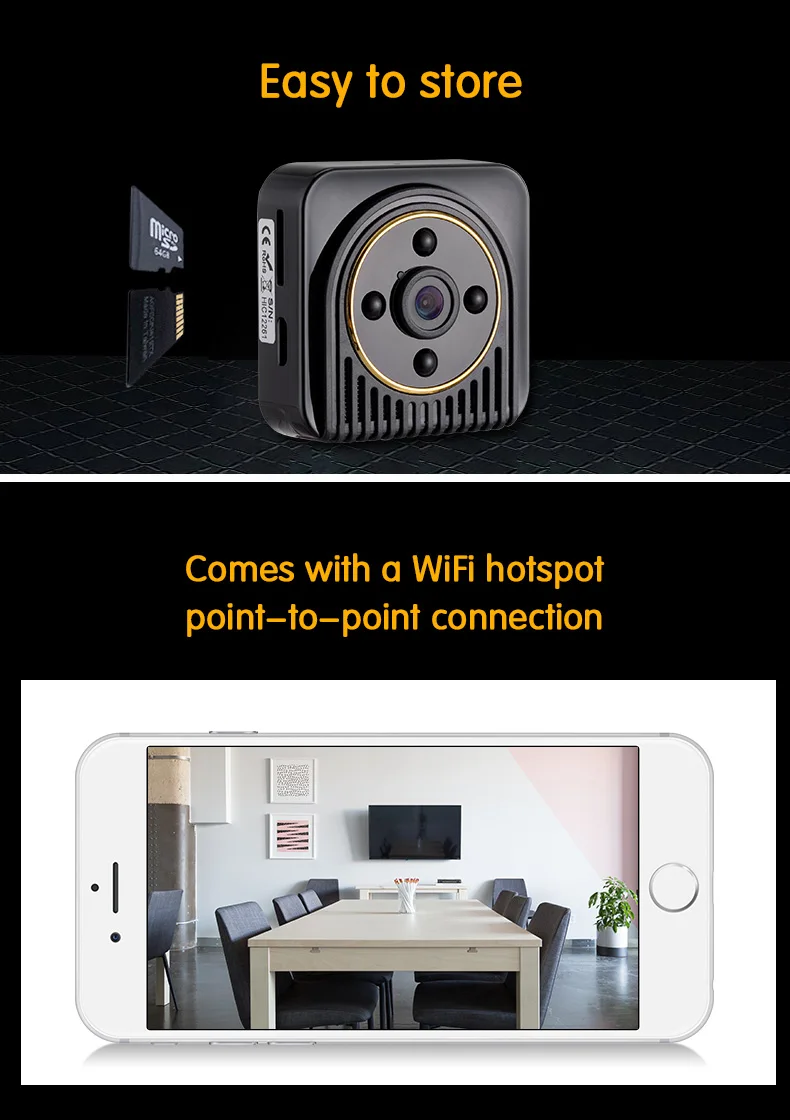
1,Insert a Micro SD Card,Class6 or Above (Maximum 64GB)
2,Full Charging the camera for around 2 hours until Red indicator turns off.
3,power on:Long Press ON/OFF button for 3 seconds,initialization time is about 25 seconds,Green &Blue Mode indicator flashes continuously during initialization .
Greem indicator will keeps on after initialization finished .
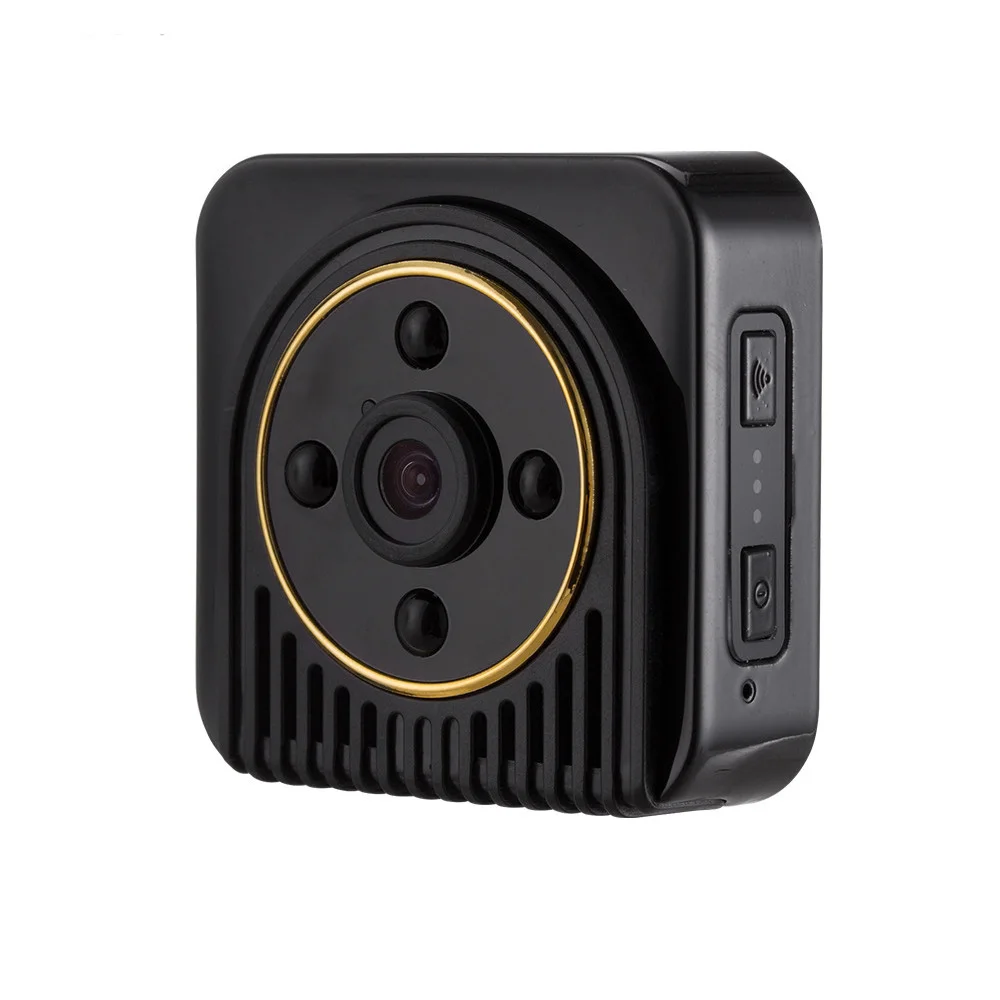
4,Press Mode Switch can change Working Mode (Video/photo/Motion Sensor )
5,Power Off: Press ON/OFF button for 3 seconds
Package included
H5 Camera *1
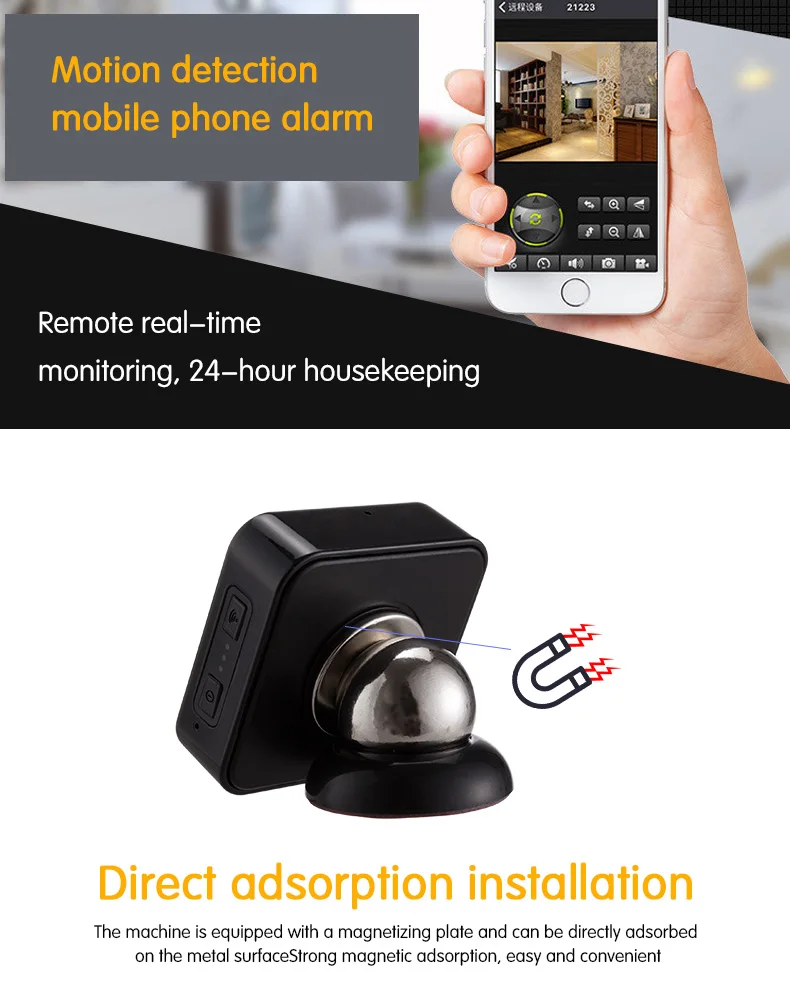
Magentic Rotation Mount *1
Magentic Pad*1
Extended Magnet Support*1
USB Cable*1
Metal Sticker*2
Sticker *2
Original Box*1
Basic Operation
1,video Recording mode
When the camera is standby mode (Green indicator is on ),Press ON/OFF button once ,Green indicator turns off ,the camera starts recording video .
Press ON/OFF button again stop recording. Green Mode indicator keeps on ,the camera will back to standby mode .the video file will be saved every 5 minutes .
2,Photo Mode
When the camera is Standby Mode(Green indicator is on ),shortly pressWIFI button for 2 times ,Green indicator will turns off after Green indicator flashes 5 seconds ,the camera takes photo every 15 seconds (Green mode indicatorflashes once)
3,Motion Detetion Mode
When the camera is standby mode(Green indicator is on ),shortly press WIFI button ,all indicator will turns off ,the camera stars to motion detection .
4, Charging Mode
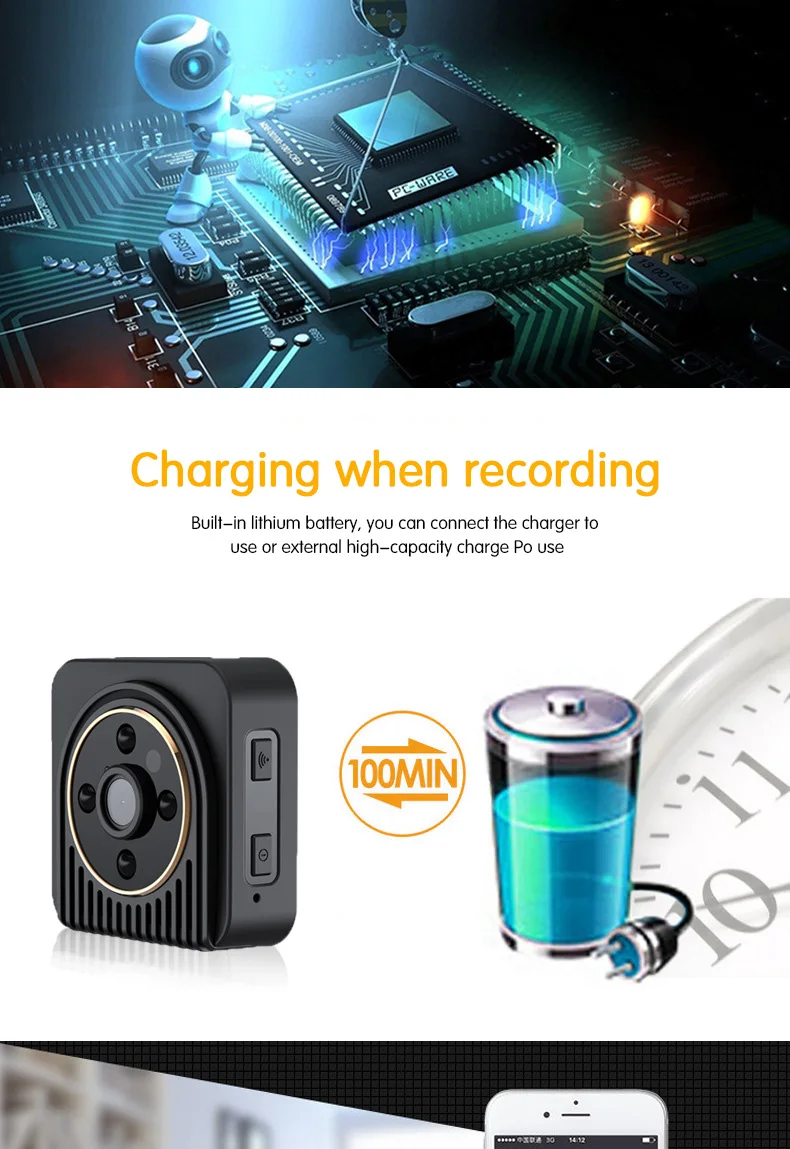
The Red indicator keeps on while charging,when full charge it will turn off ,Please use 5V/1A adaper from legal manufacturer to charge the camera .
5.Power on process :
After camera's bopting.Green indicator is on ,After 8 seconds ,Blue & Green indicator slowly .The camera will find network,if find ,Blue indicator flashes slowly. If not find ,Blue indicator will keeps on .
6.Please use 5V/1A adapter from legal manufacturer to charge the camera .
Wifi IP Mini Camera Wireless 720P HD Infrared Micro Camera IR Night Vision Body Camera Magnetic Motion Detection Mini DV Kamera
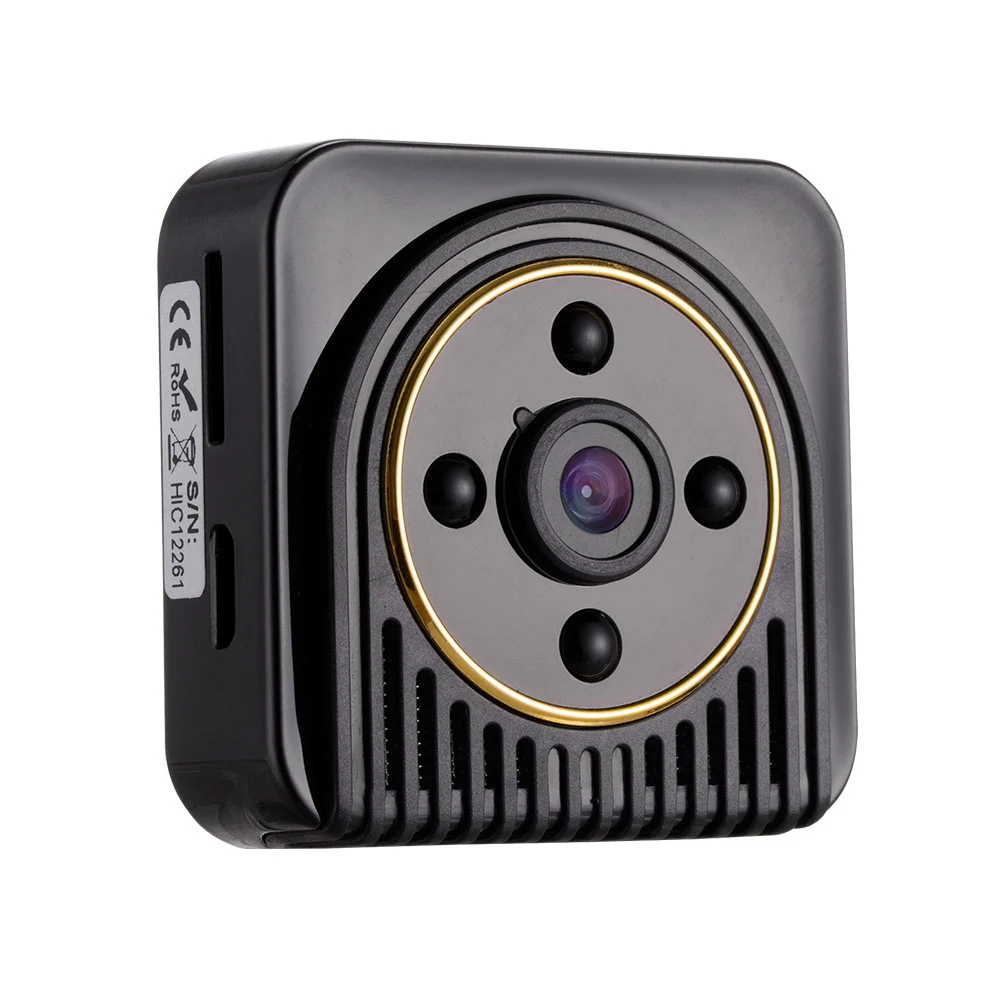
H5 Mini Camera Wifi IP 720P HD Body DV Camera Wireless Night Vision Micro Camera Digital Video Camcorder Motion Sensor Mini Cam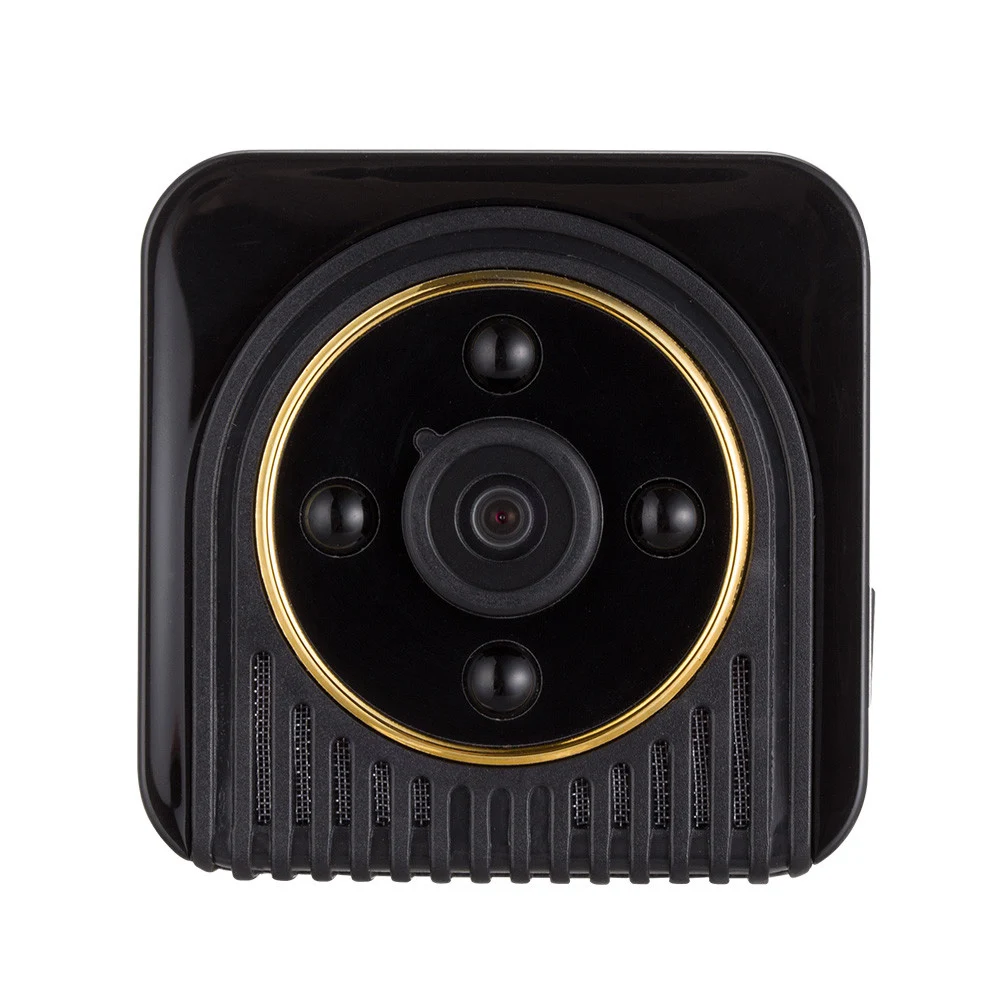
Смотрите так же другие товары: