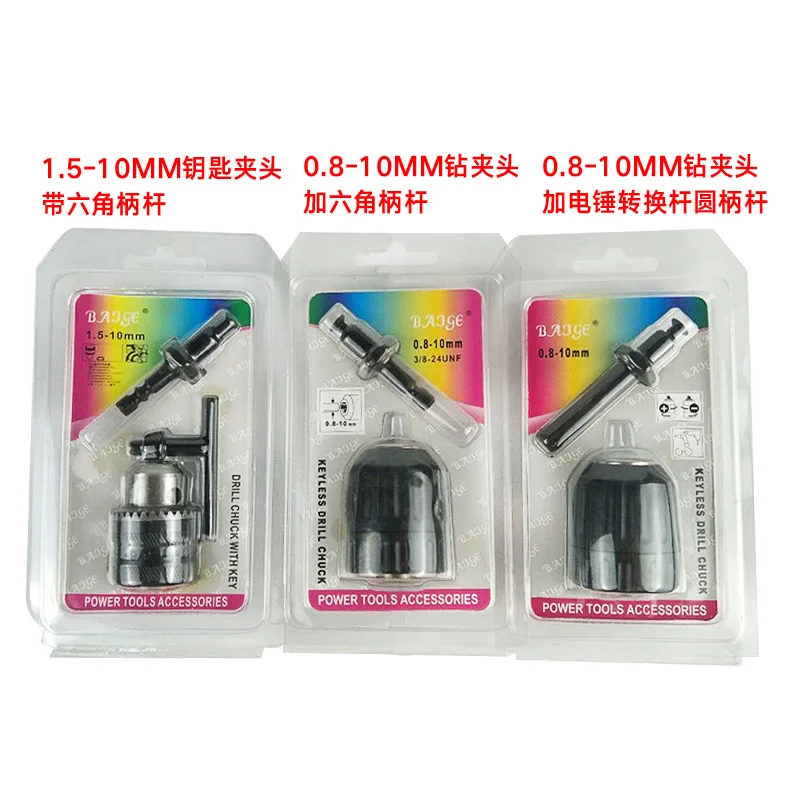
Шестигранный патрон для электрического сверла с шестигранным хвостовиком для переключения молоткового стержня, соединительный ключ, 3 штуки в комплекте, 1,5-10 мм.
1242.78
Керамический огнестойкий провод плюс сталь для ручного шитья высокотемпературного нити из керамического алюмосиликата диаметром 2 мм, 15 м.
1961.39
99.9% Высокочистый микрометровый нанооксид цинка супертонкий металл для покрытия краской антисептических материалов.
1x 19mm Fixed catch Lock For Zero gravity foldable reclining camping beach chair | Other Tool Parts
478.46
1шт. Компьютерный вакуум сильного всасывания с ЖК-экраном Демонтажный инструмент для ремонта мобильного телефона Автомобильный съемник круглой формы.
Защитная перчатка из нержавеющей стали с плетёнкой из стальной проволоки, предотвращающая порезы, для рыбной ловли и переработки мяса.
1655.59
5PCS Short Rubber Damper Anti Vibe Buffer For 38cc 3800 Chainsaw Parts | Other Tool
Низкоскоростной гидравлический двигатель с высоким крутящим моментом 4
Shop320833 Store
Магазина Shop320833 Store работает с 18.06.2012. его рейтинг составлет 100 баллов из 100.
В избранное добавили 113 покупателя.
Средний рейтинг торваров продавца 5 в продаже представленно 47 наименований товаров, успешно доставлено 203 заказов. 17 покупателей оставили отзывы о продавце.
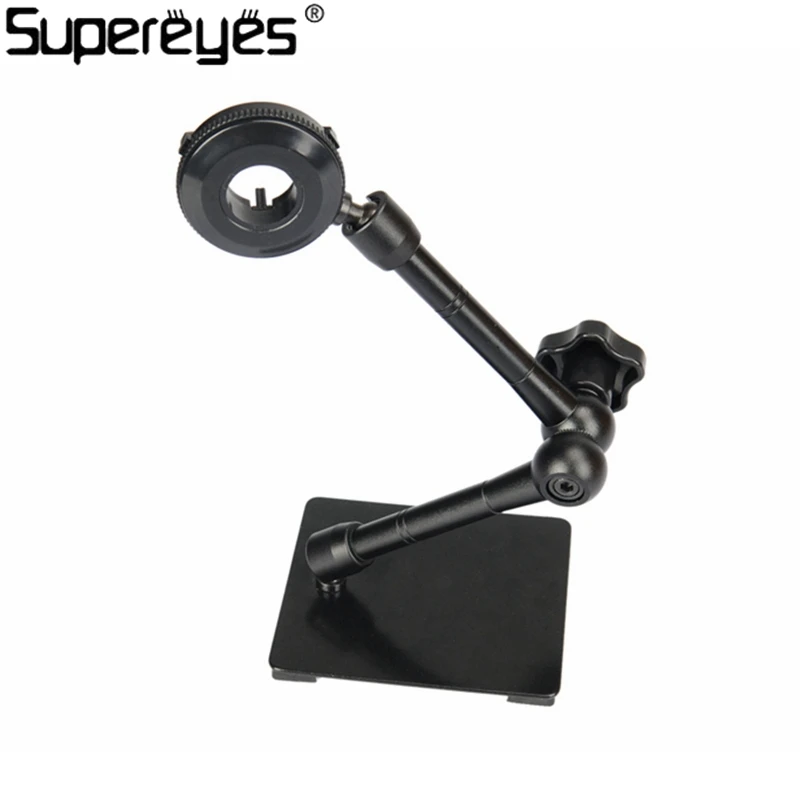
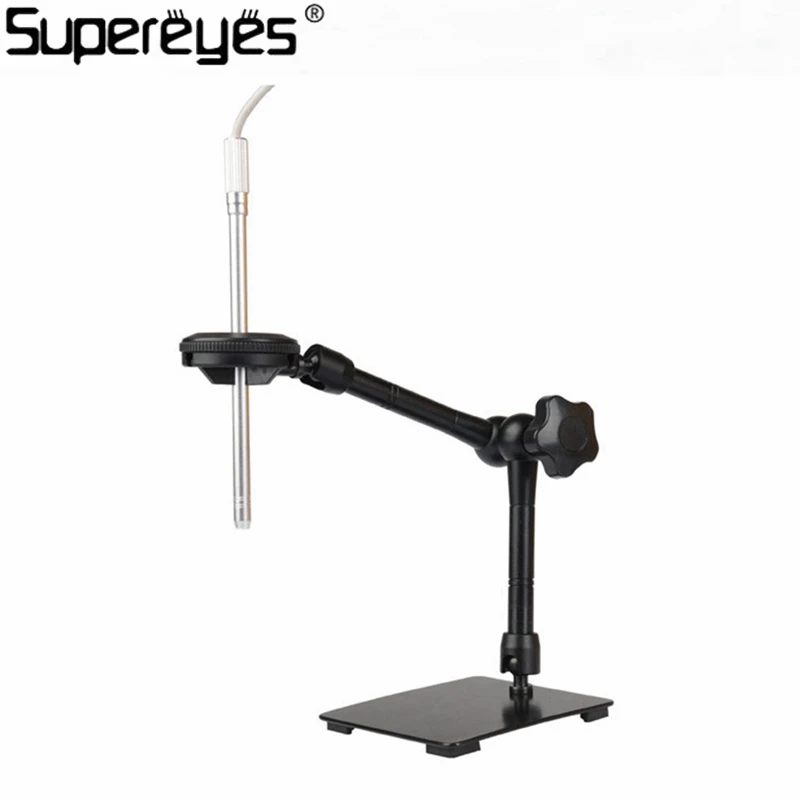
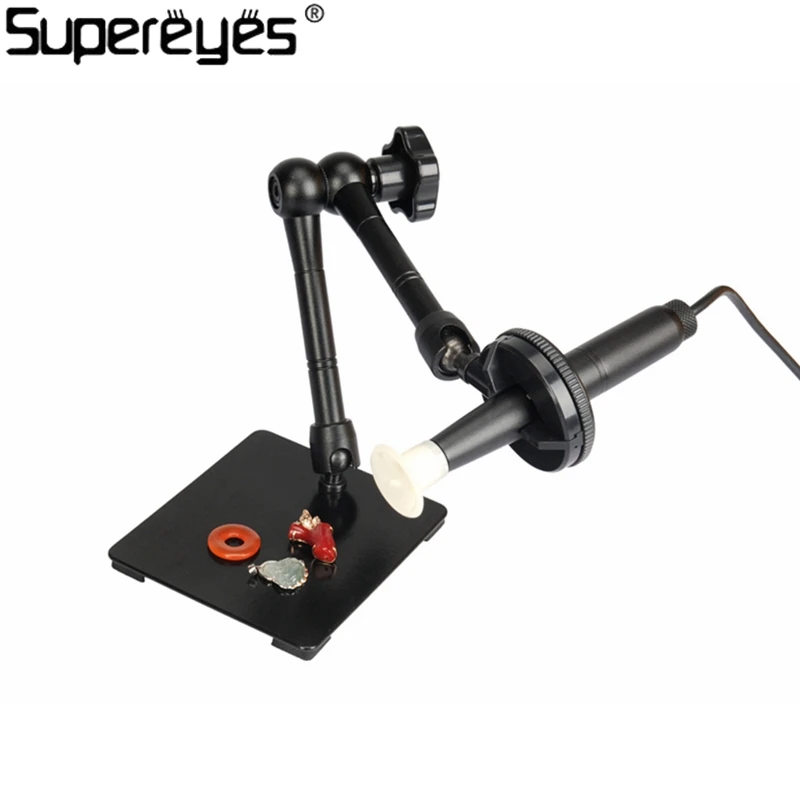
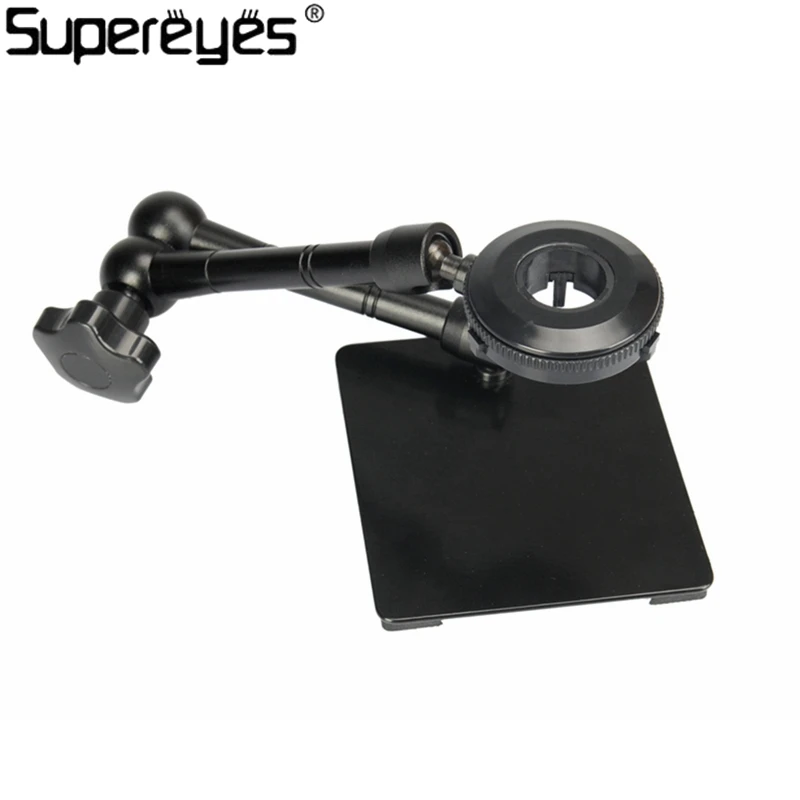
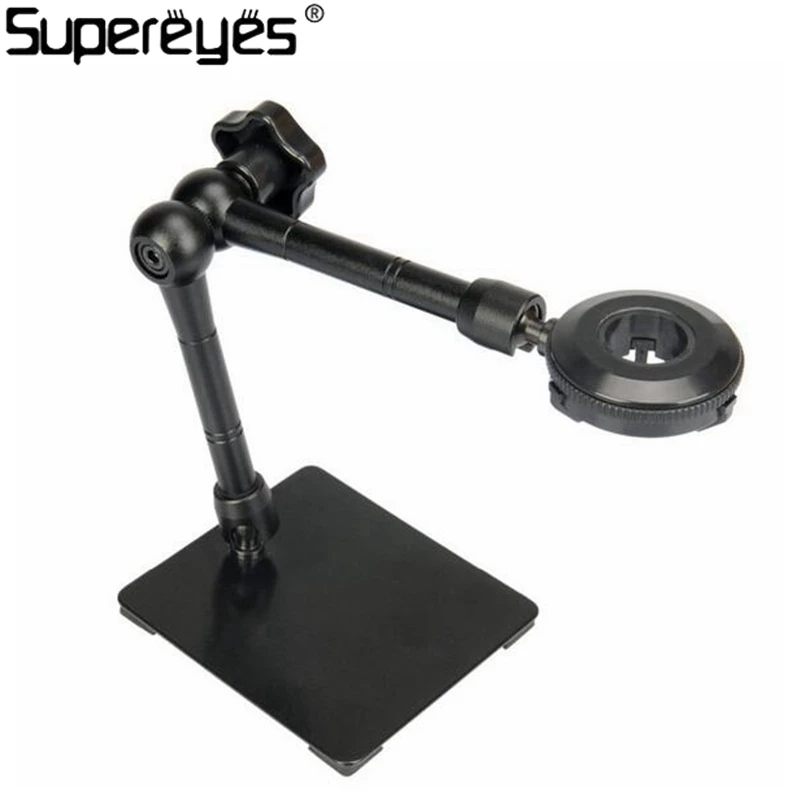
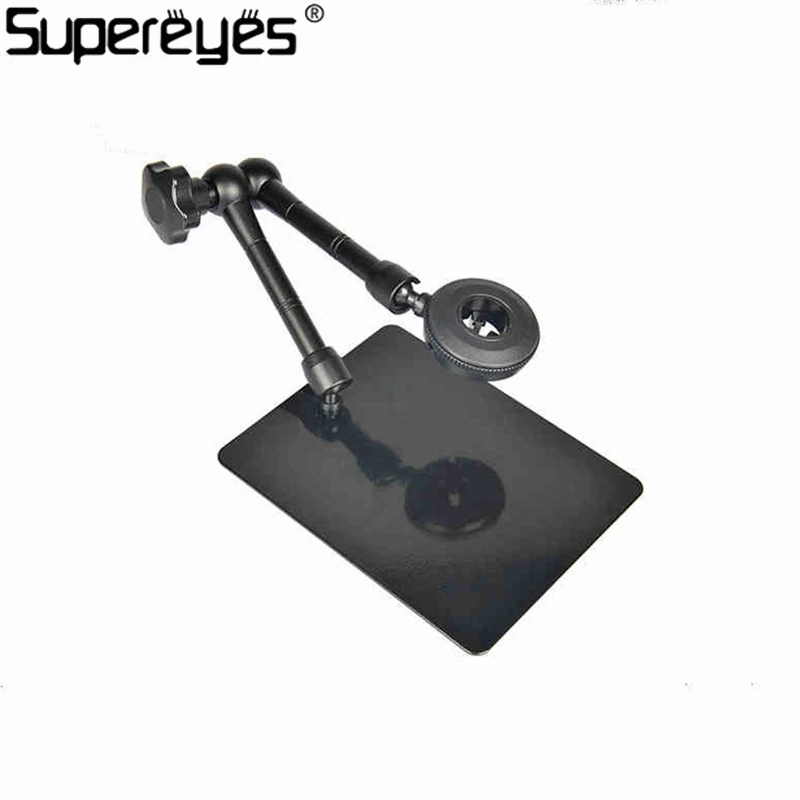
Metal Stand Holder For Handheld Digital Microscope Magic Universal Adjustable Rotating Stand Magnifer Support Stand Black Z004
Unique Features
Exclusively designed for all Supereyes microscope products.
Eco-friendly alloy material with Rhos certification makes the stand strong, light and stable.
By rotating the gear, the stand could go up, down, right and left.
The stand provides more precise adjustment than tripod and stand model Z001.
Specifications
Model: Supereyes Z004 adjustable Universal stand
It matches all Supereyes microscope model, including B005, B005+, B003+, B008, A004, A005, A005+, A006, Y001 and etc.
Package and Accessory:
Package Size: 15 cm(L) × 20 cm(W) × 6 cm(H)
Gross weight: 585 g
Net weight: 495 g
Including: 1 X Stand
How to use, a quick guide from Supereyes
For Mac and Linux, please plug the device into your computer, and then use corresponding software to open it.
For Windows XP SP 2 and above, including Win 8 32/64 bit, no driver needed, please directly install the software on the mini CD. If you have any problems regarding the mini CD, please download the software on www.supereyes.cc, or contact us.
a. After software installation, plug the device into PC, open software, select "Preview", then you should be able to see the device working. For more detail information about measurement, please see the User Manual.
b. To achieve maximum magnification, please put the microscope on top of the object, rotate the tail of the microscope to change focus. Turn on the LED lights if needed. The zoom capability would decrease as the distance between microscope and objects increase.
c. You might find that the display speed of 5 MP is slow, which depends on your computer's specifications and USB 2.0's transfer rates. We recommend you to use 3 MP for previewing and 5 MP for taking photo, or using the latest Supereyes software v3.54.
How to calculate a digital microscope's magnification:
Digital microscope is different with traditional optical microscope. The magnification of a digital microscope includes both optical and digital magnification. A good way to test the real magnification is using the equations listed below.
In this equation, we take Supereyes A005+/B008 for example.
A005+/B008 has 5 MP sensor. If you want to calculate model B003+/A005, please change 5 MP to 3 MP.
17" is the most popular monitor in the market. All Supereyes products' specifications are calculated based on 17" monitor.
2 is 2 mm. Usually, if you use the maximum power/magnification of Supereyes products, the maximum real length that could fully occupied the monitor is 2 mm.
If a microscope has a 0.3 MP sensor, it is unlikely that it has real 500X power. So don't be cheated by some advertisement!
Supereyes Software
Supereyes Software is compatible with Win XP SP2 or above, including Win 8 32/64 bit. It has anti-shake, 11-hours recording, measurement (including length, angle, arc and so on) and adding functional.
How to choose your microscope?
Which RESOLUTION fits your purposes best?
There are some sample photos taken by Supereyes microscope on our product list, which would help you to make decision. If you need more photos, please send message to us.
AUTO FOCUS or MANUAL FOCUS?
Manual focus microscopes are cheaper and smaller.
Auto focus microscopes save your time. There are three different types of auto-focus Supereyes microscope: A005/A005+. Firstly use manual focus to find the approximately focal point, and then the fine auto-focus would work for you to find the accurate focal point. The fine auto-focus's working range is about 0 ~ 10mm. If the distance change too much, manual focus is needed. The working distance is 0 ~ ? mm. A004/A004+, touch-point auto-focus, the most fast auto-focus. As long as the object touching or very close to the pointed metal head of A004/A004, the microscope would find the accurate focal point. The working distance is 0 ~ 3mm. To change zoom, please rotate the tail of the device. A006, ultimate auto-focus, with maximum 50X magnification. Totally auto focus, no manual focus needed. The zoom power depends on the distance between microscope and object: move close for zoom in, move away for zoom out.
In some cases, lens diameter is more important. Please choose the microscope based on your own unique requirement. The tips listed above are only for references.
Supereyes Trade Show
2016 CES, Las Vegas, NV, South Hall (S4) #35655, January 6 ~ 9, 2016




 In this equation, we take Supereyes A005+/B008 for example.


